

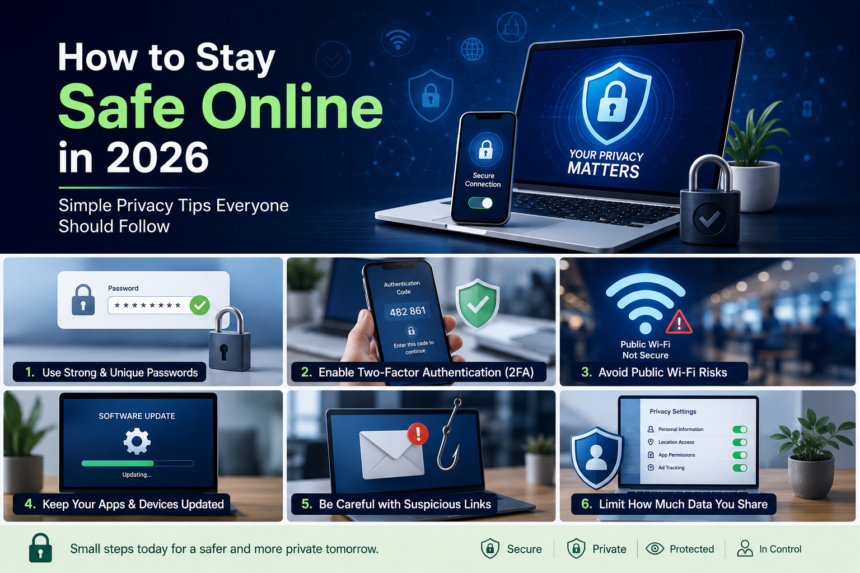
The internet has become a huge part of our daily lives. People can’t even function without using the internet. From online banking to shopping to gaming or working, our lives evolve online. These digital conveniences have improved our lives, but cyber threats have also increased rapidly in recent years. Most people rely on the internet to store their information, passwords, and more.
As we increase the use of digital technologies, hackers, phishing scams, data tracking, and the risk of public Wi-Fi are also becoming more common. That’s why internet security and online privacy shouldn’t be ignored. And to be on the safe side, you don’t need to be a tech expert to stay safe online.
In this blog, we’ll share some practical and easy privacy tips to protect your personal information in 2026.
LET’S GET STARTED!!
How to Stay Safe Online In 2026?
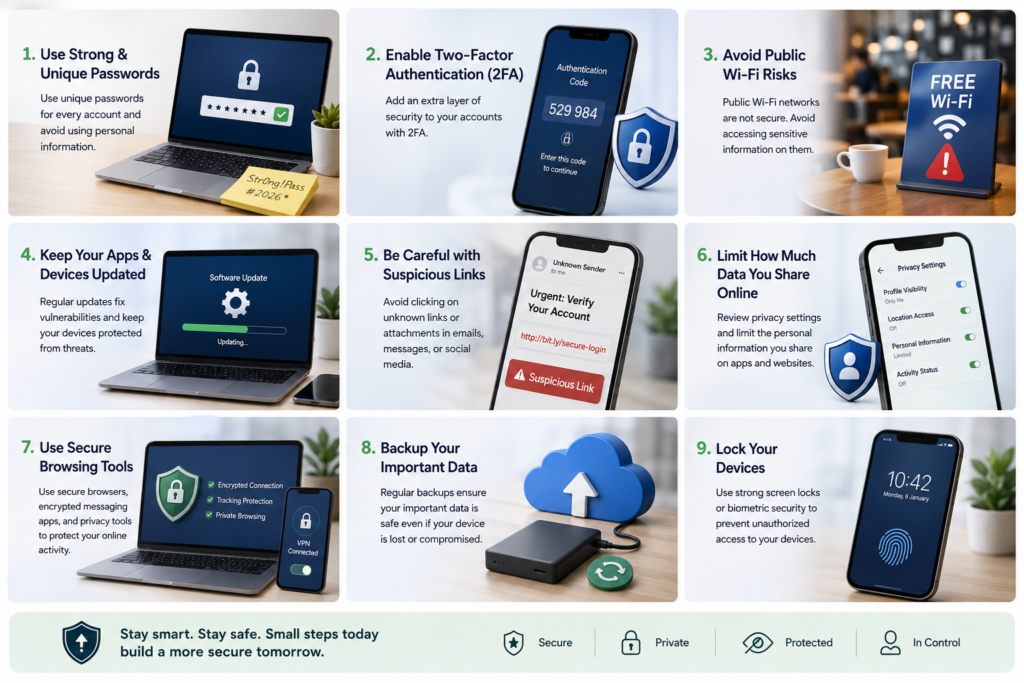
Use Strong & Unique Passwords
Using the same password for every site is one of the biggest mistakes people make. If any one account gets compromised, hackers can easily gain access to multiple accounts.
To stay safer:
- Use unique passwords for every account
- Combine uppercase, lowercase, numbers, and symbols
- Avoid personal details like birthdays or names
- Consider using a password manager
Strong passwords are still your first line of defense.
Enable Two-Factor Authentication (2FA)
Your accounts are further secured with two-factor authentication. A verification code is still required to log in, even if they steal your password.
Nowadays, 2FA is supported by the most popular apps and websites, including social media, financial apps, and email services.
Avoid Public Wi-Fi Risks
Free public Wi-Fi may seem convenient, but unsecured networks can expose your personal information to cybercriminals.
If you frequently use Wi-Fi at cafés, airports, hotels, or co-working spaces:
- Avoid logging into banking apps on public networks
- Do not access sensitive work documents without protection
- Turn off automatic Wi-Fi connections
- Use secure browsing practices whenever possible
Public networks remain one of the easiest targets for attackers.
Keep Your Apps & Devices Updated
Software updates include more than just new functionality. The majority of updates contain critical security patches addressing vulnerabilities that hackers could exploit.
Always:
- Update your phone and laptop regularly
- Install browser updates
- Keep antivirus tools updated
- Remove apps you no longer use
Ignoring updates can leave devices vulnerable to known threats.
Be Careful with Suspicious Links
Phishing attacks are becoming smarter every year. Fake emails, SMS messages, and social media links are designed to steal passwords, payment information, or account access.
Watch out for:
- Urgent messages asking for personal information
- Fake delivery or banking notifications
- Misspelled website links
- Unknown attachments
If something feels suspicious, avoid clicking immediately.
Limit How Much Data You Share Online
Many apps and websites collect more user data than people realize. Sharing too much personal information publicly can increase privacy risks.
Simple steps include:
- Reviewing app permissions
- Restricting location access
- Making social media accounts more private
- Avoiding oversharing personal details online
Small privacy habits can make a big difference over time.
Use Secure Browsing Tools
Modern internet users are becoming more aware of tools that help improve online privacy and browsing security. Secure browsers, encrypted messaging apps, and privacy-focused VPN services are increasingly popular among users seeking greater control over their digital footprint.
These tools can help reduce tracking, secure internet activity, and create a safer browsing experience — especially when using public networks or accessing sensitive information online.
Final Thoughts
Online privacy is no longer just a concern for tech professionals. Everyone who uses the internet should take basic steps to protect their personal information and browsing activity.
Simple habits like using strong passwords, enabling 2FA, avoiding suspicious links, and using trusted privacy tools can significantly improve your digital safety in 2026.
For users looking to add an extra layer of online privacy and secure browsing, services like Proton VPN are becoming increasingly popular among privacy-conscious internet users.
FAQs
Why is online privacy important in 2026?
Online privacy helps protect your personal data, financial information, and browsing activity from hackers, trackers, and cyber threats.
Is public Wi-Fi safe to use?
Public Wi-Fi can be risky if the network is unsecured, especially for banking or sensitive activities.
What is two-factor authentication?
Two-factor authentication adds an extra login verification step to improve account security.
How do hackers steal personal information online?
Hackers commonly use phishing links, fake websites, malware, and unsecured networks to steal data.
Can privacy tools improve internet security?
Yes, secure browsing tools and privacy-focused services can help reduce tracking and improve online protection.